 COME
COMECOME Account, Contact CS and Settings at first use
At first use, separate account tasks, help requests and interface preferences. The account menu provides different routes for each.
For identity and activity
Use the current Account area to inspect the account context and the appropriate history section for the event in question. Do not assume a fresh installation automatically selects the account you intend.
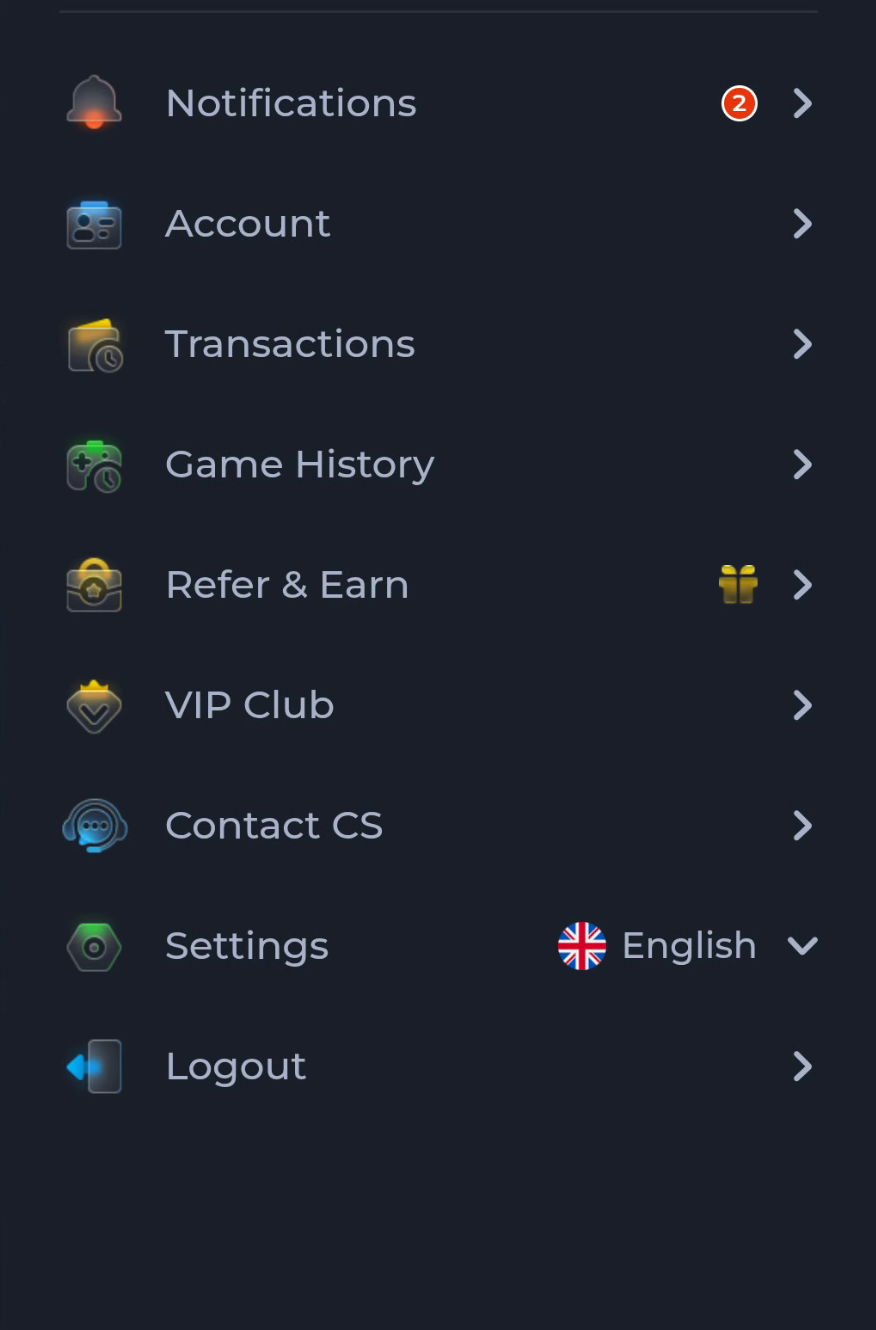
For a problem
Contact CS leads towards the service's help route. Give the action and exact symptom without passwords, OTPs or payment PINs. Reading a help article and submitting a request are separate steps.
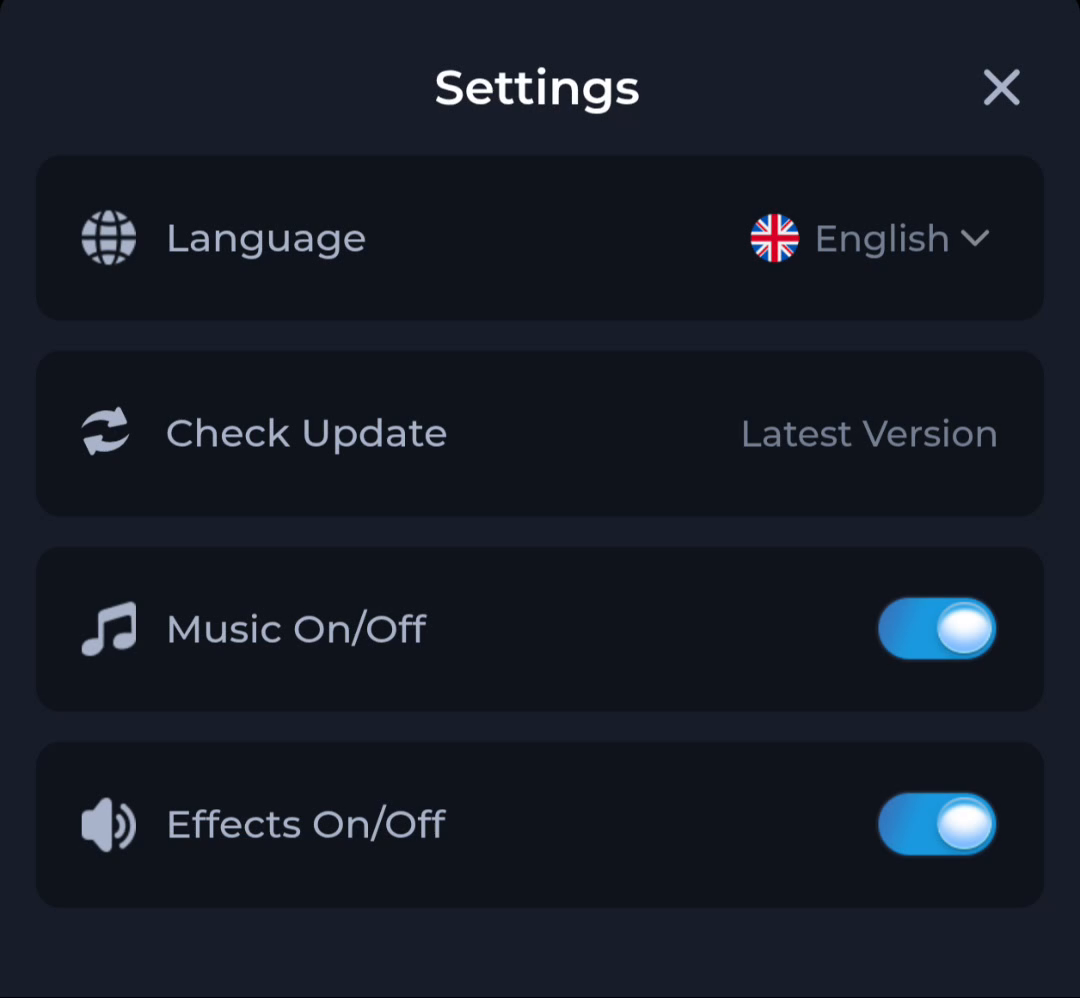
For preferences and updates
Settings groups Language, Check Update, Music and Effects. These controls are distinct from Android's system settings. Adjust the relevant option deliberately rather than changing several controls while diagnosing an unrelated problem.
A useful next step
Choose the menu matching the task, then check the result before moving elsewhere.